Introduction
Scaling content marketing used to be one of the most difficult challenges for website owners. Whether you were running a blog, an affiliate site, or a business website, the process was always the same: spend hours researching topics, writing long-form posts, optimizing for SEO, and trying to stay consistent. Over time, most people would burn out or fall behind. That’s exactly why WordPress AI blog generator tools are changing the game in 2026.
With the rise of artificial intelligence, content creation is no longer limited by time or resources. Instead of manually writing every article, you can now generate high-quality, SEO-optimized blog posts directly inside WordPress in minutes. This shift is not just about speed—it’s about scalability. When you combine automation with strategy, you unlock the ability to grow traffic faster than ever before.
In this guide, you’ll learn how to scale your content marketing using a WordPress AI blog generator, even if you’re starting from zero. More importantly, you’ll understand how to do it the right way so your content actually ranks, drives traffic, and builds long-term authority.
What Does It Mean to Scale Content Marketing?
Before diving into tools and strategies, it’s important to understand what scaling actually means in the context of content marketing. Many beginners assume it simply means publishing more blog posts. While volume is part of the equation, true scaling involves increasing output without sacrificing quality, consistency, or SEO performance.
When your content marketing is scaled properly, you are able to produce a large number of articles that target specific keywords, attract organic traffic, and work together to build topical authority. This creates a compounding effect where each new piece of content strengthens your entire website.
However, doing this manually is incredibly difficult. Writing even a single high-quality blog post can take several hours. Multiply that by dozens or hundreds of posts, and it becomes unrealistic for most people. This is where a WordPress AI blog generator becomes essential.
Why a WordPress AI Blog Generator Is the Key to Scaling
Speed Without Sacrificing Quality
One of the biggest advantages of using a WordPress AI blog generator is the ability to drastically reduce the time it takes to create content. Instead of spending hours writing, you can generate a complete, structured article in minutes. This allows you to focus more on strategy and less on execution.
At the same time, modern AI tools are capable of producing content that is natural, readable, and optimized for SEO. This means you’re not just saving time—you’re maintaining quality at scale.
Consistency Becomes Effortless
Consistency is one of the most important factors in SEO success. Websites that publish regularly tend to perform better in search rankings. However, staying consistent manually is difficult, especially if you’re balancing other responsibilities.
With a WordPress AI blog generator, you can create and schedule multiple posts ahead of time. This ensures your website stays active, which signals to search engines that your site is relevant and up-to-date.
Expanding Keyword Coverage
Scaling content marketing also means targeting more keywords. Instead of focusing on just a few topics, you can create content around hundreds of long-tail keywords. Each article becomes an entry point for organic traffic.
AI tools make this process significantly easier by allowing you to quickly generate content for multiple keywords without starting from scratch every time.
How a WordPress AI Blog Generator Works
Content Generation from Simple Inputs
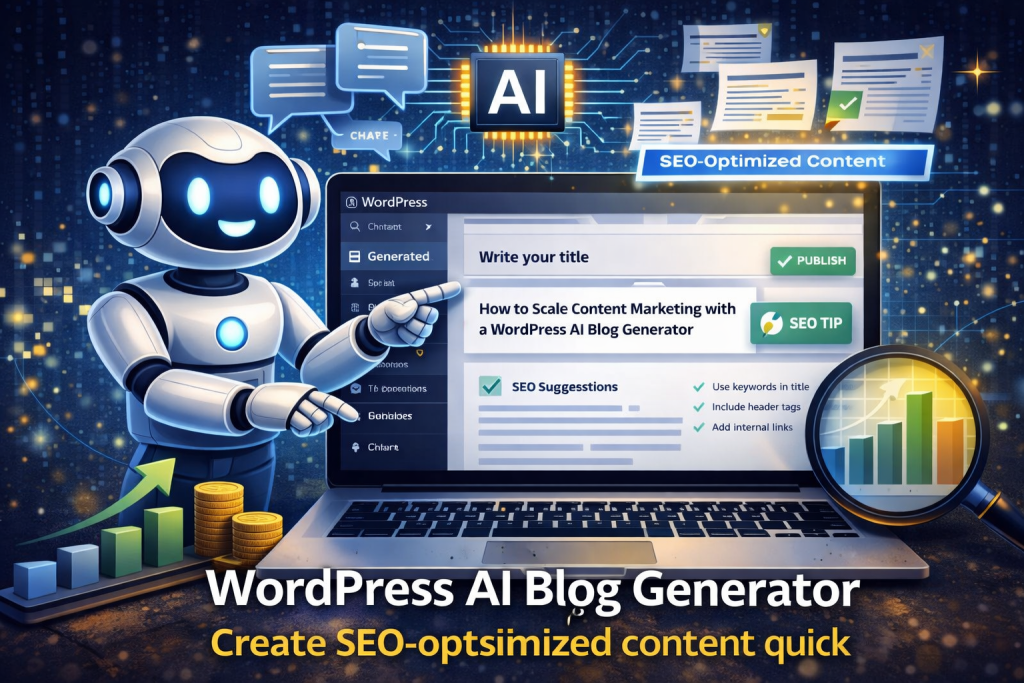
At its core, a WordPress AI blog generator takes a keyword or prompt and turns it into a fully structured blog post. This includes an introduction, multiple sections, and a conclusion. The AI understands how to organize information in a way that is both readable and SEO-friendly.
For example, if you input a topic like “how to scale content marketing,” the AI can generate a detailed article that covers the topic from multiple angles, including strategies, tools, and common mistakes.
Built-In SEO Optimization
Another key feature is SEO automation. A good WordPress AI blog generator will naturally incorporate your target keyword throughout the content, structure headings properly, and maintain readability. This reduces the need for manual optimization.
Additionally, some tools can generate titles, meta descriptions, and even internal linking suggestions, making the entire process more efficient.
Integration with WordPress
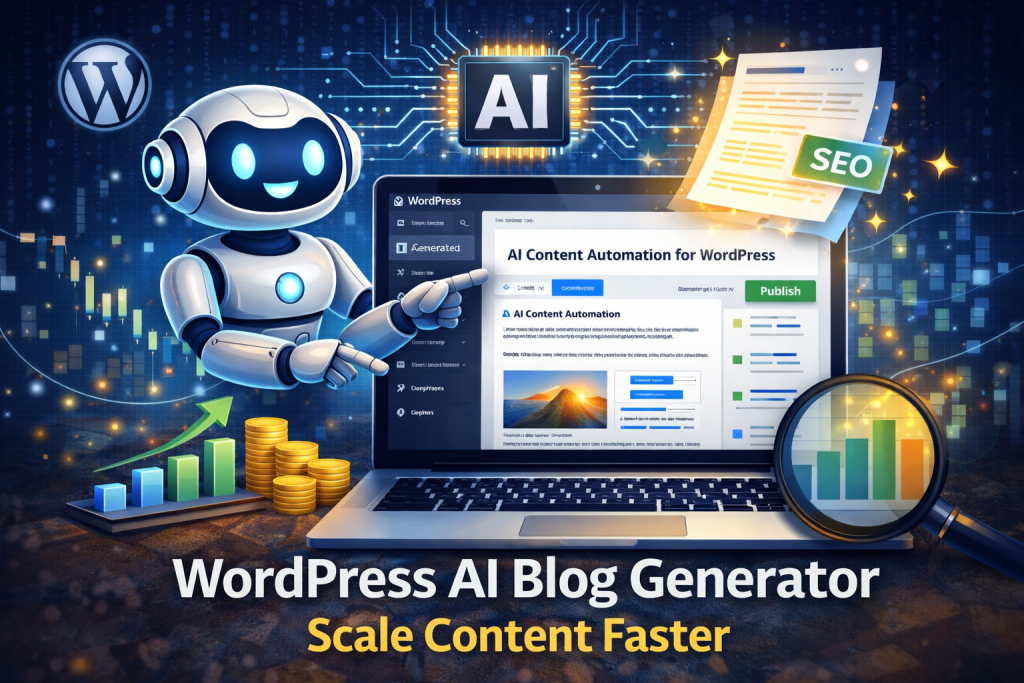
The biggest advantage is seamless integration. Instead of copying and pasting content from external tools, everything happens directly inside your WordPress dashboard. This streamlines your workflow and allows you to publish content faster.
Step-by-Step Strategy to Scale Content Marketing
Step 1: Choose a Niche and Build Topical Authority
Scaling content marketing starts with focus. Instead of writing about random topics, you need to choose a niche and build authority within that space. This allows search engines to recognize your website as a reliable source of information.
For example, if your niche is AI blogging, you can create content around topics like:
- AI tools for WordPress
- SEO automation strategies
- Content marketing tips
Over time, your website becomes a hub for that topic.
Step 2: Create a Keyword List
Once you have a niche, the next step is to build a list of keywords. Focus on long-tail keywords that are easier to rank for but still have search volume. These keywords often have less competition, making them ideal for beginners.
A WordPress AI blog generator can then be used to create content for each keyword, allowing you to scale quickly.
Step 3: Generate Content in Bulk
Instead of creating one post at a time, aim to generate multiple posts in a single session. This approach saves time and helps you build momentum.
For example, you could generate 10–20 blog posts in one day and schedule them over the next few weeks. This ensures consistent publishing without daily effort.
Step 4: Optimize and Refine
Although AI does most of the work, it’s still important to review and refine your content. This includes improving clarity, adding internal links, and ensuring the content aligns with your brand.
This step adds a human touch, which can make a significant difference in quality.
Step 5: Publish and Track Performance
Once your content is published, monitor its performance using analytics tools. Look at metrics such as traffic, rankings, and engagement. This data can help you refine your strategy and focus on what works.
Common Mistakes When Scaling Content with AI
Publishing Without a Strategy
One of the biggest mistakes beginners make is generating content without a clear plan. While it may feel productive to create a large number of posts, random content will not produce consistent results.
Instead, focus on building clusters of related content that support each other.
Ignoring Quality Control
Even though AI generates content quickly, it’s important to review each post before publishing. Small improvements in readability and structure can have a big impact on performance.
Overlooking Internal Linking
Internal links help search engines understand the structure of your website. They also improve user experience by guiding readers to related content. Make sure to include links between your posts whenever possible.
WordPress AI Blog Generator vs Traditional Content Creation
Time Investment
Traditional content creation requires significant time and effort. Each article involves research, writing, editing, and optimization. In contrast, a WordPress AI blog generator can handle most of these tasks automatically.
Scalability
Manual content creation limits how much you can produce. With AI, there is virtually no limit to how much content you can generate. This makes it possible to scale your website much faster.
Cost Efficiency
Hiring writers can be expensive, especially if you need a large volume of content. AI tools provide a more cost-effective solution, allowing you to achieve similar results at a fraction of the cost.
Advanced Tips to Maximize Results
Focus on Search Intent
Understanding what users are searching for is crucial. Make sure your content answers specific questions and provides real value. This increases the likelihood of ranking higher in search results.
Use Content Clusters
Group related articles together to create a network of content. This helps search engines understand your expertise and improves your chances of ranking for multiple keywords.
Update and Refresh Content
SEO is not a one-time effort. Regularly update your content to keep it relevant. This can improve rankings and extend the lifespan of your posts.
The Future of Content Marketing Is AI-Driven
The shift toward AI-powered content creation is only going to accelerate. As technology continues to improve, the gap between manual and automated content creation will become even more apparent.
Websites that adopt AI early will have a significant advantage. They will be able to produce more content, target more keywords, and grow their traffic faster than competitors who rely on traditional methods.
Conclusion
Scaling content marketing no longer requires a large team or endless hours of writing. With a WordPress AI blog generator, you can create high-quality, SEO-optimized content at scale, allowing you to grow your website faster and more efficiently.
By focusing on strategy, consistency, and optimization, you can turn AI-generated content into a powerful traffic engine. Whether you’re building a blog, an affiliate site, or a business website, the ability to scale content is one of the most valuable advantages you can have.
🚀 Start Scaling Your Content Today
If you’re ready to take your content marketing to the next level, it’s time to use the right tool.
👉 Get started with the Plixora AI Blog Generator:
https://plixoratech.com/plixora-ai-blog-generator/
Plixora makes it easy to:
- Generate full SEO blog posts in minutes
- Create content directly inside WordPress
- Scale your content marketing effortlessly
- Save time while increasing traffic
Stop writing everything manually and start building a system that works for you.