Introduction
Publishing blog posts consistently is one of the biggest challenges for growing a website.
Writing content, formatting it, optimizing SEO, and hitting publish can take hours for a single post.
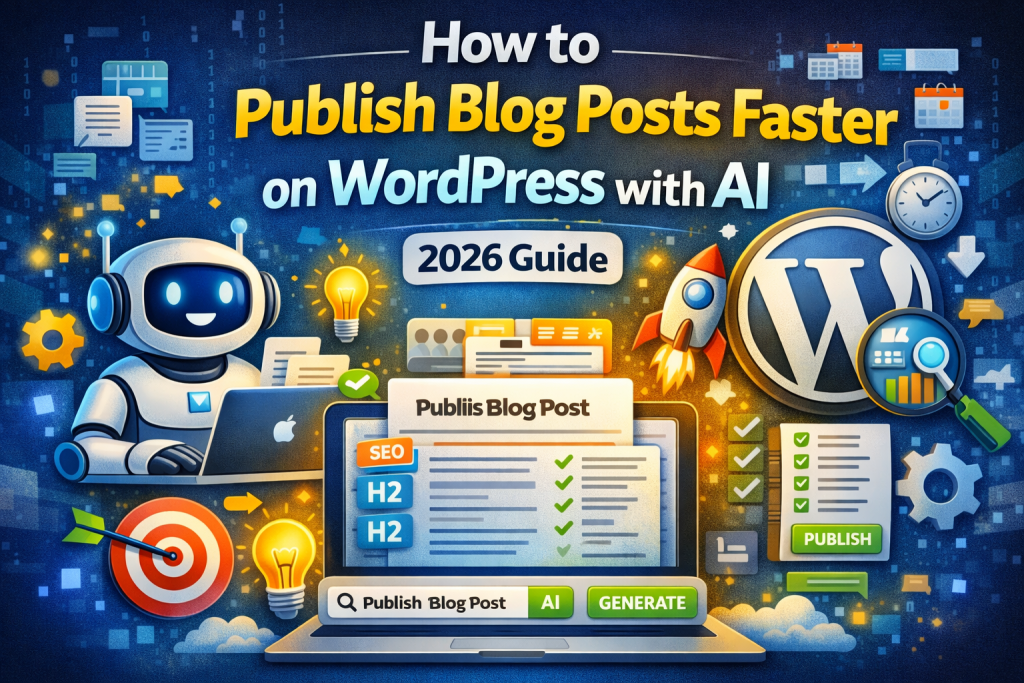
But in 2026, you can now use AI to publish blog posts faster on WordPress and scale your content like never before.
Instead of spending hours per post, AI tools allow you to generate, optimize, and publish content in minutes—directly inside your WordPress dashboard.
Why Speed Matters for Blogging
The faster you publish content, the faster you grow.
Consistency Wins Rankings
Search engines reward websites that publish regularly.
More Content = More Traffic
Each blog post is another opportunity to rank.
Faster Indexing
Publishing more frequently increases your chances of getting indexed quickly.
Competitive Advantage
Most people still write manually—you can outpace them.
What Does It Mean to Use AI for Faster Publishing?
Using AI for blogging means automating parts of the process like:
- Content generation
- SEO optimization
- Formatting
- Draft creation
- Publishing or scheduling
Instead of doing everything manually, AI handles the heavy work.
Step-by-Step: How to Use AI to Publish Blog Posts Faster on WordPress
Step 1: Choose a Target Keyword
Start with a keyword that has clear search intent.
Example:
how to use ai to publish blog posts faster on wordpress
Focus on:
- long-tail keywords
- low competition
- relevant topics
Step 2: Generate the Blog Post with AI
Use an AI WordPress plugin to generate:
- Title
- Introduction
- Headings
- Full blog content
- FAQ section
This creates a complete article in minutes.
Step 3: Optimize SEO Automatically
Make sure your post includes:
- keyword in title
- keyword in introduction
- keyword in headings
- proper structure
AI tools can automate most of this.
Step 4: Add Internal Links
Link to:
- your main product page
- other related blog posts
This improves SEO and keeps users engaged.
Want to publish blog posts faster on WordPress with AI?
👉 https://plixoratech.com/plixora-ai-blog-generator/
Step 5: Add Images
Include:
- featured image
- 1–2 images inside the post
Use keyword-based file names and alt text.
Step 6: Review and Edit
Even with AI, take a moment to:
- improve clarity
- adjust tone
- fix formatting
This ensures higher quality content.
Step 7: Publish or Schedule
Instead of publishing everything at once:
- schedule posts
- maintain consistency
This helps build long-term SEO growth.
Best Way to Speed Up Publishing with AI
To truly scale, you need more than just content generation.
You need a system.
A good AI tool should allow you to:
- generate full blog posts
- optimize SEO automatically
- create drafts instantly
- schedule content
- publish directly
This turns blogging into a repeatable process.
Common Mistakes to Avoid
Avoid these when trying to publish faster:
- Publishing without editing
- Ignoring SEO
- No internal links
- Low-quality content
- Posting too much at once
AI vs Manual Publishing
AI gives you a massive advantage:
- Manual: slow and time-consuming
- AI: fast and scalable
- Manual: limited output
- AI: consistent publishing
FAQ
Can AI publish blog posts automatically?
Yes, many tools can generate and schedule posts directly in WordPress.
Will faster publishing hurt SEO?
No, as long as content is high quality and optimized.
How many posts should I publish?
- Beginners: 2–3 per week
- Growth: 5–10 per week
- Scaling: daily posting

Do I still need to edit posts?
Yes, editing improves quality and performance.
Conclusion
Learning how to use AI to publish blog posts faster on WordPress is one of the most powerful ways to grow your website in 2026.
It allows you to:
- save time
- stay consistent
- scale your content
- increase traffic
With the right tools, publishing becomes fast, simple, and automated.
🚀 Ready to Start?
Stop writing blog posts manually.
Start generating SEO-optimized content automatically with AI:
👉 https://plixoratech.com/plixora-ai-blog-generator/